Postzmaker — create social media posts, free in your browser
No signup. No upload required. Your drafts stay private in this browser until you download your PNG.
Create a postPostzmaker is a free online post maker that lets you design social media graphics right in your browser. Choose a ready-made template, add your own photos, change the text, colors and fonts, and download a high-resolution image in seconds — no account, no software to install, and no watermark.
Everything happens on your device: your images are never uploaded to a server and your drafts stay private in your browser. It works on desktop and mobile, so you can create posts from your phone whenever inspiration strikes.
Who Postzmaker is for
Postzmaker is made for anyone who needs a good-looking social media post without the overhead of professional design software. Creators and influencers use it to keep a consistent feed; small businesses and shop owners announce offers and new products; freelancers and coaches share tips and quotes; students and non-profits make clean graphics for events; and community and social media managers turn around posts in minutes. If your job is to publish something today rather than to run a design studio, this tool was built for you.
Why it's completely free
There is no paid tier hiding behind the good templates, no trial that expires, and no watermark stamped on your downloads. Because the editor runs entirely in your browser, it costs almost nothing to serve, so it can stay free. You get the templates, the sizes, the filters, the brand kit and every export format without creating an account or entering a card. It's a genuinely free tool, not a demo that nudges you to upgrade at the last step.
Your images never leave your device
Privacy is built in, not bolted on. When you upload a photo, it is loaded straight into the editor on your own device and processed there — it is never sent to a server. Your drafts, your saved brand kit and your settings live in your browser's local storage, on your computer or phone, and only you can see them. That means you can design freely without wondering who else can access your pictures, and you can delete everything at any time simply by clearing the site's data.
From idea to finished post in minutes
The whole point is speed without a mess. You open the editor, pick the size you need and a template that fits your idea, swap in your words and images, adjust a color or font if you like, and download a high-resolution file — usually in just a few minutes. There is nothing to install and nothing to learn first. And once you've made a post you like, you can save it as a draft and reuse the layout next time, so your second post is even faster than your first.
Works on desktop and mobile
Because Postzmaker is a website, it works anywhere you have a modern browser — Windows, Mac, Linux, iPhone or Android. Start a design on your laptop and finish it on your phone, or make the whole thing on mobile while you're away from your desk. Everything, including uploading photos, taking a picture with your camera and downloading the final image, works right in the browser, so you're never tied to a single device or a specific app.
What you can create
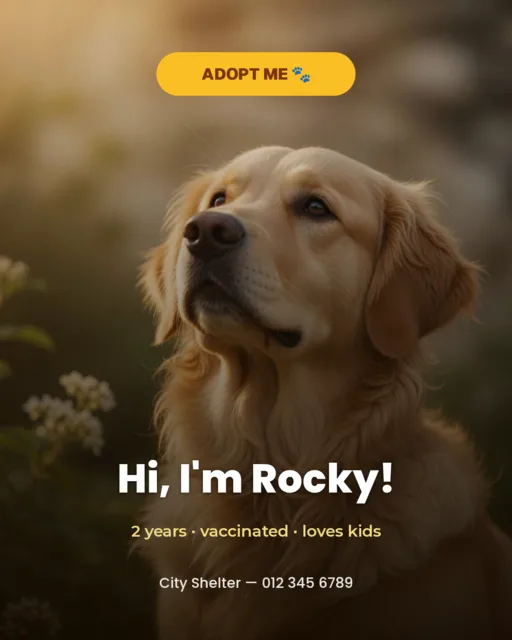
Instagram posts & carousels
Square and portrait posts that stand out in the feed.
Instagram & Facebook Stories
Full-screen 9:16 graphics for Stories and Reels covers.
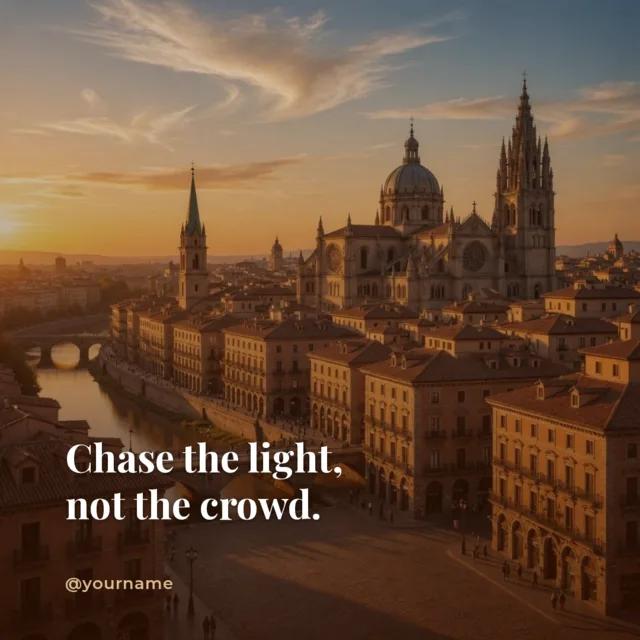
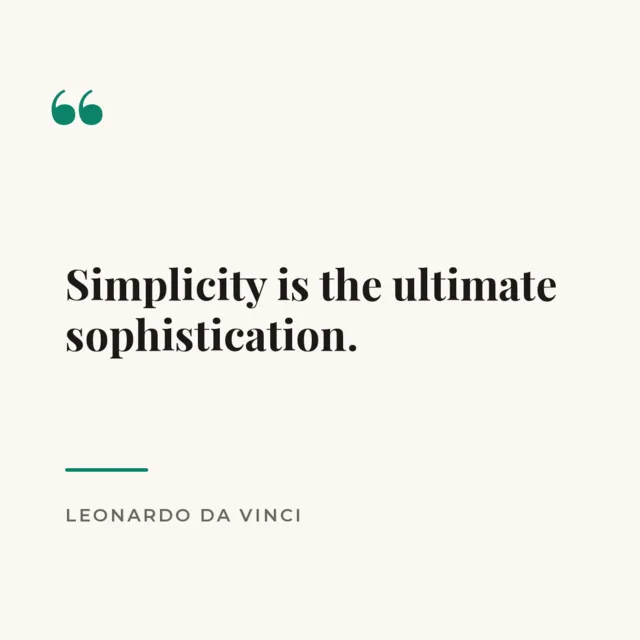
Quote cards
Turn a sentence into a shareable, on-brand quote image.
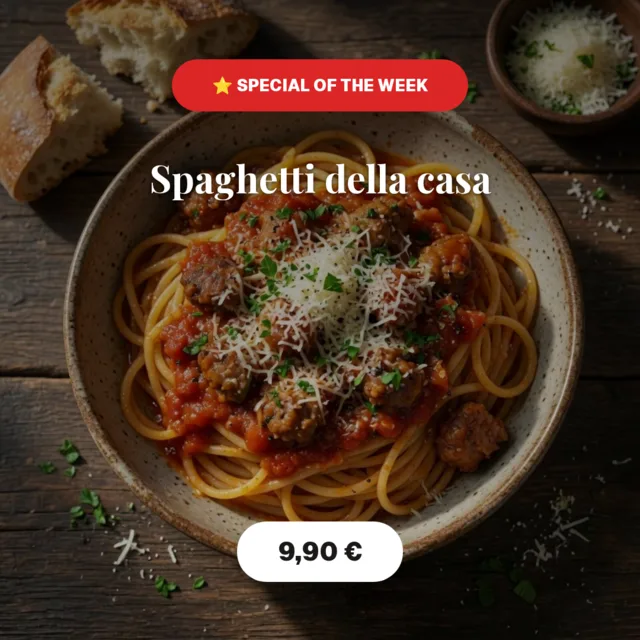
Promotions & sales
Announce a discount or a new product with a bold layout.
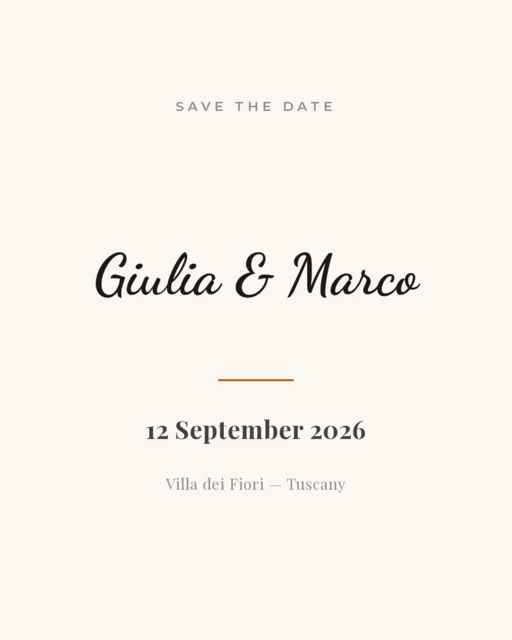
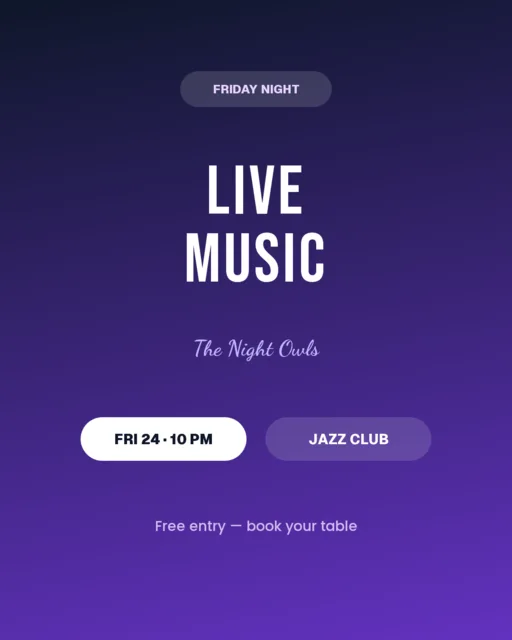
Events & announcements
Share a date, a webinar or a launch in a clean design.
Facebook & LinkedIn posts
Landscape graphics sized right for every platform.
How it works
Pick a size or template
Start from a ready layout or a blank canvas.
Customize it
Swap the text, add your photos, change colors and fonts.
Download
Export a PNG, JPG, WebP or PDF — no watermark.
Everything you need
Ready templates
Dozens of layouts for every occasion.
All the right sizes
Square, portrait, story and landscape presets.
Filters & effects
Adjust, crop and add text effects.
Brand kit
Save your logo, colors and fonts.
Export anywhere
Download as PNG, JPG, WebP or PDF.
Private & offline
Everything stays in your browser.
Frequently asked questions
Is it really free?
Yes, completely free. No account and no watermark.
Do I need to sign up?
No. Just open the editor and start designing.
Where do my designs go?
They stay in your browser, on your device. We never upload them.
Which formats can I download?
PNG, JPG, WebP and PDF, at full resolution.
Does it work on my phone?
Yes — it works in any modern mobile browser.
Ready to create your first post?
Open the editor and design your post in minutes — free, no signup.
Create a postMade with Postzmaker