
Postzmaker guide
How to Make a Greeting Card Online for Free
A card does not need a printer or a design degree. Pick a background that suits the person, write a few honest lines, add the name and send it in the same minute, or print it and sign it by hand.
How to do it with Postzmaker
- Open the page for your occasion, for example Happy Birthday or Wedding Wishes.
- Use the previous and next arrows to pick a background in a style that fits the person.
- Write a title and a message, then add the name or dedication.
- Choose Square for chats, or Status / Story for a tall image.
- Send it on WhatsApp, or download the JPG.
- For a printed card, open the full editor and download the PDF.
What makes a card feel like a card
A card has three jobs: it names the occasion, it carries a message, and it shows that someone took a minute. Postcards from the mailbox did this with a picture on one side and a handwritten line on the other. A digital card can do exactly the same, and it arrives in seconds rather than days.
That is why a very simple card often beats an elaborate one. One background, one big title, one sentence addressed to a real person. The picture sets the mood, the words say what you mean, the name makes it theirs. Anything more tends to compete with the message.
On Postzmaker each occasion page opens with a quick editor where you see the card change as you type, so you can judge it the way the recipient will.
Choose a style that fits the occasion
Style tells the recipient what kind of card this is before they read a word. Birthday pages have ten styles, including Cake, Balloons, Confetti, Elegant gold, Polaroid and Funny. Wedding Wishes uses Wedding, Elegant gold, Vintage, Roses and Watercolor, among others. New Baby offers Little clouds, For kids, Rainbow, Bubbles and Gingham.
Match the style to the person, not only the event. A birthday card for a six-year-old can be Balloons or For kids; for a coworker, Elegant gold or Minimal is safer; for a close friend with a sense of humor, Funny or Polaroid. Graduation has its own Graduation cap style, plus gold and confetti for the celebration.
If you are unsure, go calmer. A quiet watercolor card is rarely wrong, while a very loud design can look like a joke when the mood is tender, for instance in a thank-you card to someone who helped you through a hard month.
Write the message in three parts
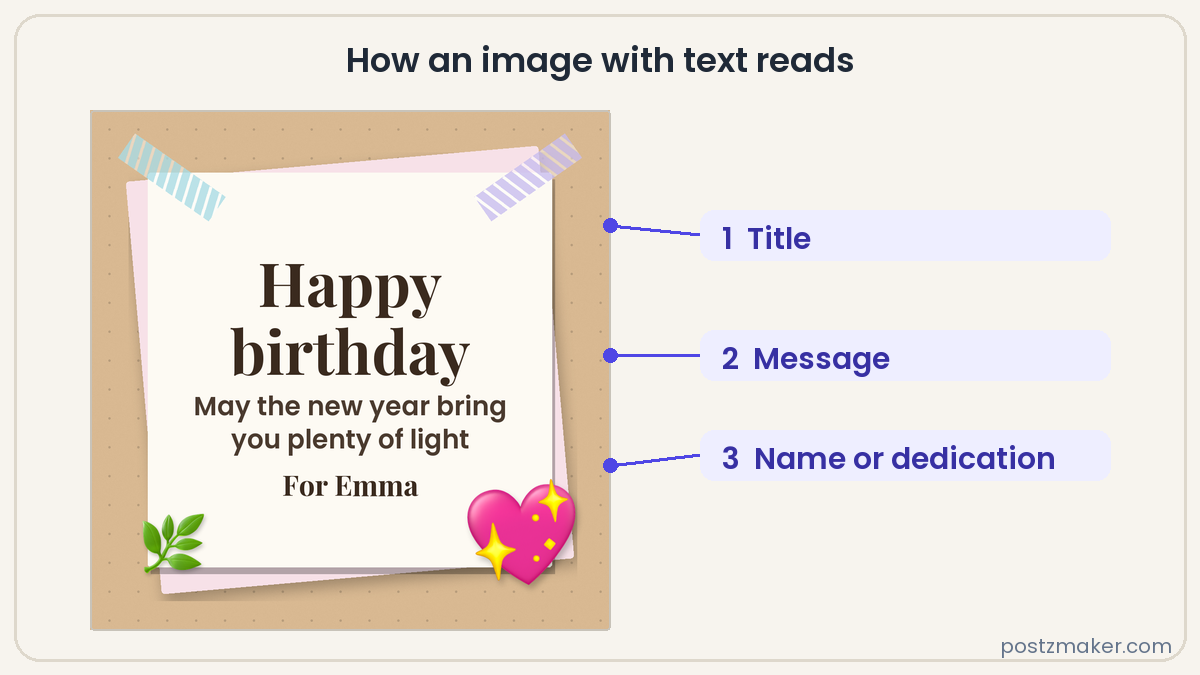
A good short message follows a simple order. First, the wish itself: ‘Happy birthday, Anna.’ Second, one specific thing you appreciate or remember: ‘Thank you for driving me to every audition.’ Third, a forward-looking line: ‘Here is to a year as bright as you are.’
That structure fits on a card and avoids the generic ‘wishing you all the best’ that could be addressed to anyone. The specific detail is what people keep. It may be a trip you took, something they taught you, or a habit that makes you smile.
Length matters because text on a picture has to be read at a glance. Keep what is on the image to one or two short sentences. If you have more to say, put it in the chat message that goes with the card, or in the handwritten note if you print. The ‘Another message’ button can give you a starting point when you are stuck.
A tip for shy writers: write the sentence you would say if the person were in the room, then remove the first half. What is left is usually the part that matters.
The name and the dedication line
The optional name or dedication field is where a card becomes personal. You can put the recipient’s name (‘For Dad’), a pair of names for an anniversary, or a short sign-off such as ‘With love, Ella’. Because it is a separate field, it shows up as a small line in the design instead of competing with the main message.
Do check spelling twice. Names are the one thing the recipient will notice if wrong. Use the version they use themselves, which may be ‘Liz’ rather than ‘Elizabeth’.
For group cards, such as a team farewell, put the group on the name line (‘From everyone in Accounts’) and leave the individual messages for the chat or for signatures on a printed copy. A card with twelve names squeezed in becomes unreadable.
Also decide whether the name goes on the card or only in the chat. A card meant to be kept, such as a wedding wish, deserves the names printed on it.
Share it digitally
In the quick editor, choose Square for a chat message, because it shows in full inside the conversation. Choose Status / Story if you want to post the card as a WhatsApp status or a story: it uses the tall format, with a soft blurred background above and below.
On a phone, ‘Send on WhatsApp’ opens the share sheet with the file ready to go. On a computer it downloads the image, and you attach it in WhatsApp Web or an email. ‘Download’ always saves a JPG, which is light enough for any messaging app.
Timing is part of the gift. Send a birthday card in the morning of the day, an anniversary card at breakfast, a wedding card on the day itself or the day after. Cards that arrive a day late still count, but a card that arrives on time shows that you were thinking of the person.
A last practical note: if the card is going to a person you do not message every day, add a short line of text in the chat as well, such as ‘A little something for your big day.’ It explains why a picture appeared and makes the moment friendlier.
Print it and write by hand
Some occasions deserve paper: a grandparent’s birthday, a thank-you to a teacher, a wedding. For those, use the ‘Open in the full editor’ link. Your title, message and name come along, and you can download the card as a PDF, the format meant for printing.
Choose a heavier paper if your printer allows, and print at a size that matches the format you chose: a square card works well on a square fold. Leave a clear space on the printed copy for a handwritten line; a few words in your own pen add a touch that no font can imitate.
One detail before a big print run: the quick editor adds a small ‘postzmaker.com’ line at the bottom right unless you untick ‘Show postzmaker.com at the bottom’, while the full editor adds none. Since the PDF comes from the full editor, the printed card stays clean, but look at one test page first.
Test once on a sheet of ordinary paper before using the good stock. Colors on a screen look brighter than ink, and a quick draft shows whether the text is large enough to read from a distance.
Common mistakes to avoid
Too much text is the most frequent mistake. A paragraph on a picture ends up in tiny letters, and tiny letters get lost on a phone. The second is low contrast: light letters on a pale background. If you have to squint on your own screen, the recipient will too.
A third mistake is mixing moods. A serious thank-you in neon, or a funny birthday message on an elegant gold card, sends two messages at once. Choose the tone first, then pick the style.
Finally, do not leave the card unsent because it is not perfect. A simple card sent on time is worth more than an ambitious one sent after the party.
A related mistake is sending a card that is obviously meant for someone else, with a different name left on it. Reread the name before you press send, and check that the date or age mentioned, if any, is right.
Save a draft and make a set
If you are making several cards, for example for a family with many birthdays, work in the full editor and use ‘Save draft’. Drafts live in your browser on that device, and there is no account, so they stay on the phone or computer you used. If you clear the site’s data they are removed, so download the finished file as well.
A useful trick is to keep one favorite background and change only the name and message for each person. The family ends up with a recognizable style, and each card still reads as personal.
If you like a card very much, keep the finished file in a folder named for the year and occasion. Next time you need a card for that person, you will remember what you sent last time and can avoid repeating it.
Examples: card messages by occasion
- Happy birthday, Anna. Thank you for every audition you drove me to.
- Happy anniversary, Tom and Ria. Still the best team I know.
- Congratulations, Sam. All those late nights just turned into a diploma.
- Welcome to the world, little Mia. Your family is already in love.
- Thank you, Mrs. Hale. You made Monday mornings worth it.
- To the happy couple: may your table always have room for one more.
- Get well soon, Ben. The couch can have you, but only for a week.
- Merry Christmas to the people who make our house loud and warm.
Try it now
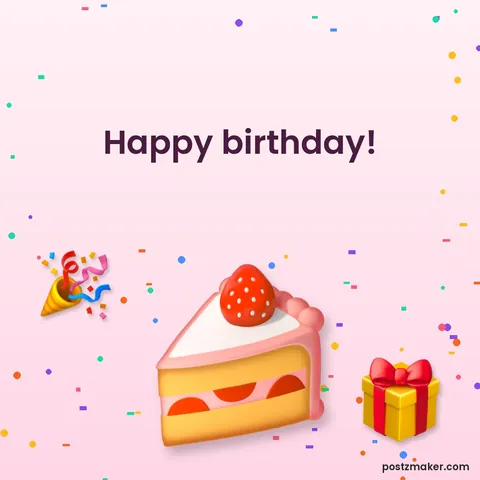 🎂 Happy birthday images to personalize and send60 images
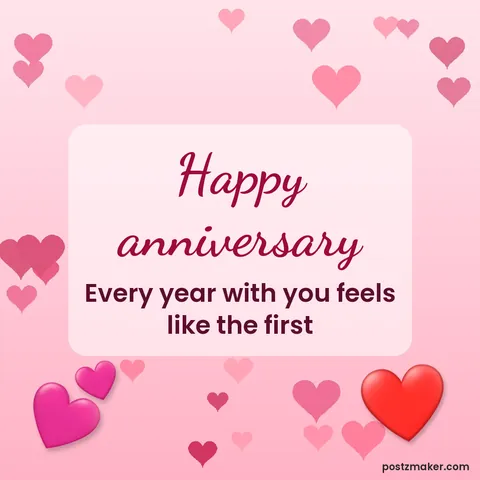 💍 Happy anniversary images to share with love42 images
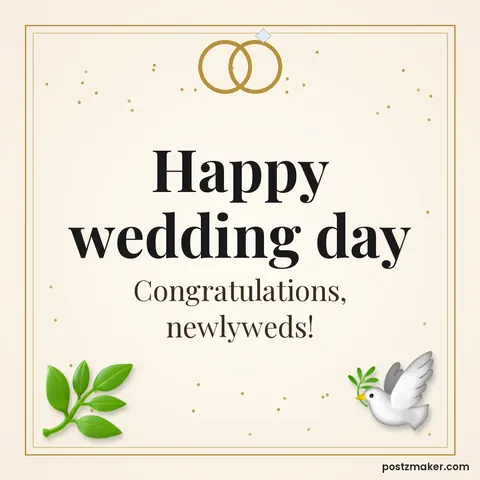 💍 Wedding Wishes Images and Messages54 images
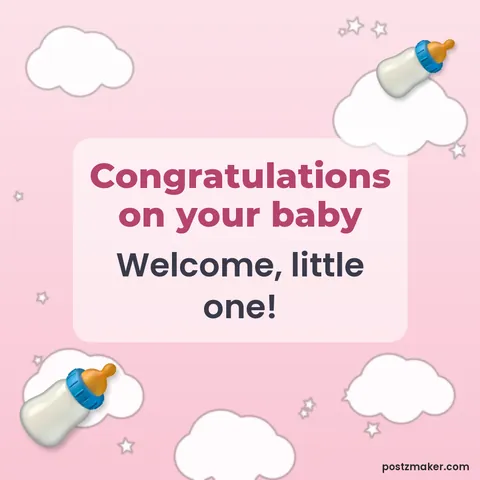 🍼 New Baby Images and Congratulations54 images
 🎓 Graduation Images and Congratulations54 images
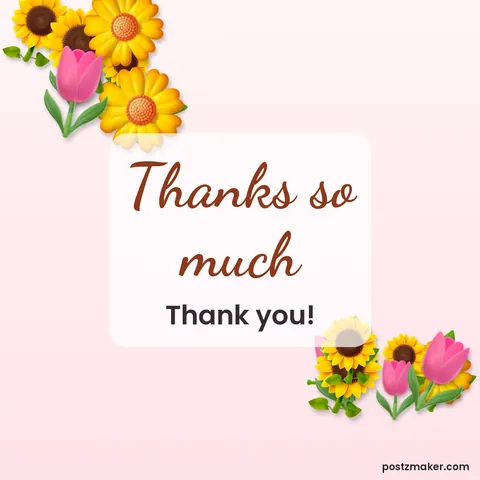 🙏 Thank You Images to Personalize and Send42 images
Frequently asked questions
Is it really free to make a greeting card on Postzmaker?
Yes. There is no sign-up, no subscription and no watermark covering the picture. The backgrounds are original illustrations by Postzmaker, and you can use your cards for personal messages and on your social profiles. If you plan to use a card commercially or in print runs for sale, write to us first through the contact page.
Can I print the card I make?
Yes. Use the ‘Open in the full editor’ link and download the card as a PDF. For paper, think in inches: a 1080-pixel image prints cleanly at about four to five inches wide and starts to look soft much larger than that. Choose sturdy paper and leave a little space for a handwritten line.
What size is the card?
The quick editor offers Square at 1080 by 1080 pixels and Status / Story at 1080 by 1920. The full editor adds Portrait at 1080 by 1350 and Landscape at 1200 by 630. Square is the best all-round choice for sending, while Portrait fits a classic upright card on paper.
How long should the message on a card be?
On the picture itself, one or two short sentences are enough, about fifteen words at most including the title. Longer text becomes small, and small text is hard to read on a phone. Put longer thoughts in the chat message that comes with the card, or in a handwritten note on the printed copy.
Can I use my own photo on the card?
Yes, in the full editor. You can upload a picture from your device or take a photo, place it on the card and put text over it. The quick editor on the occasion pages uses Postzmaker’s own backgrounds, so open the full editor for a card with a family photo.
Will my card be saved if I close the page?
The quick editor has no save function, so download or send the card before you close the page. In the full editor, ‘Save draft’ stores your work in the browser on that device. There is no account, so drafts do not follow you to another phone or computer.
More guides
- How to Make Good Morning Images for WhatsApp
- How to Make a WhatsApp Status with Text and a Background
- How to Choose the Right Background, Colors and Font
- How to Write Original Greeting Messages That Sound Like You
- How to Prepare a Different Image for Each Day of the Week
- Birthday messages for every person on your list
- Christmas and New Year wishes: what to write, to whom and when
- Valentine’s Day messages that are not clichés
- Mother’s Day and Father’s Day: dates, messages and ideas
- Why WhatsApp images look blurry, and how to send them sharper
- Workplace greetings: coworkers, clients and your boss
- How to Make Images Everyone Can Read
- Plan Your Year of Greeting Posts, Month by Month
- What to Write for Weddings, New Babies and Graduations
- Writing to Someone Who Is Unwell or Going Through a Hard Time
- How Holidays Differ Between Italy, Spain and English-Speaking Countries
- The Full Editor, Step by Step