
Postzmaker guide
Plan Your Year of Greeting Posts, Month by Month
Holiday posts feel urgent the day before and effortless a month earlier. This guide gives you a month-by-month map of the year, a simple lead-time rule and a way to prepare many images in a single sitting.
How to do it with Postzmaker
- Write down the occasions that matter to your audience: your family’s dates, your shop’s busy seasons, your club’s events.
- Look at the site’s holiday calendar and mark the ones that fit, noting which have a moving date.
- Choose one visual style for each season so your posts look related.
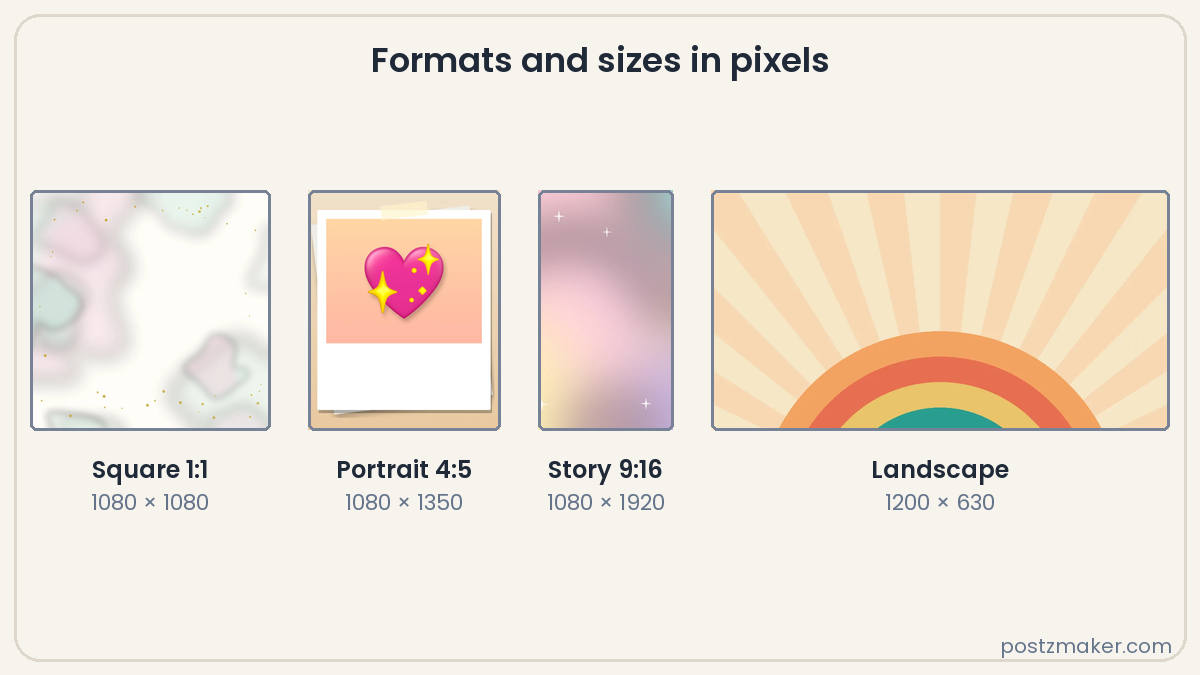
- Open each occasion’s image page, type the title, phrase and name, and pick Square or Status / Story format.
- Download the files in one session and rename them with the date you plan to post.
- Put them in a folder, set reminders for a few days before each date, and schedule or send them on the day.
Why a calendar beats improvising
The most common reason a greeting post is weak is not a lack of creativity but a lack of time. On the morning of a holiday you are tempted to grab whatever is nearest, and the result is a generic image that looks like everyone else’s. A calendar changes the situation entirely. You decide once, calmly, and then the year runs on its own.
A calendar also protects you from the opposite problem, the forgotten date. A shop that misses Mother’s Day, a school group that forgets Thanksgiving, a family that realizes on March 19 that it was Father’s Day in Spain: all of these are easily avoided with a list kept in a place you actually look at.
You do not need a complicated tool. A paper planner, a spreadsheet or the reminders in your phone are enough. What matters is that each occasion has three things attached: the date, the day you will prepare the image and the day you will publish it.
The lead-time rule: three dates for every occasion
Give every occasion three dates. The first is the preparation date, about two to three weeks before. This is when you choose the background, write the phrase and download the image. The second is the check date, about three days before: you look at the image again with fresh eyes, fix any typo and make sure the schedule is set. The third is the publishing date.
For occasions that sell something, such as Valentine’s Day, Mother’s Day or Christmas, shift the whole sequence earlier. A shop that wants an order by the holiday has to announce it ten days or even two weeks ahead, not on the day itself. For purely affectionate greetings, such as a birthday or a good morning, the day is the right moment and the image only needs to be ready.
Moving holidays need a head start. Easter, Thanksgiving, Mother’s Day and Father’s Day follow rules rather than fixed dates, so look the date up when you plan the year, not the week before.
January to March: new starts, hearts and spring
January begins with New Year’s Day, and the greetings for it are best prepared in the last week of December, when everyone is already in a festive mood. The January dip that follows is a good time to batch-prepare the following months, since there are few holidays to distract you.
February has Valentine’s Day on the fourteenth. It is not only for couples: friends, parents and children also exchange cards, and shops often build a small campaign around it. Prepare a romantic version and a friendly version of the image, and decide ahead which one goes to which audience.
March brings International Women’s Day on the eighth, and in Italy the custom of giving mimosa flowers. Father’s Day falls on March 19 in Italy and Spain, while in the United Kingdom Mothering Sunday takes place in Lent, usually in March, so check the date if you have British contacts. Carnival season can also land in February or March, depending on Easter.
April to June: Easter, mothers and fathers
Easter is the big moving holiday of spring. It is always on a Sunday, between late March and late April, and Easter Monday follows in Italy. Plan an Easter image at least two weeks ahead, because the date shifts each year and the spring weeks go quickly. Pastel, egg and flower backgrounds fit naturally, and a short sentence works better than a long blessing.
May is the month of Mother’s Day for most readers of this guide: the second Sunday of May in the United States, in Italy and in many other countries, and the first Sunday of May in Spain. If your audience is international, prepare one image and set two posting dates rather than guessing.
In June, the third Sunday brings Father’s Day in the United States and the United Kingdom. Between these dates you also have the graduation season, with caps and certificates, for which an image is useful from late May. For a shop or a page, these three months make a very full run, so prepare them together in April, before the rush.
July to September: summer lull and back to school
Summer has fewer official holidays and more personal ones: birthdays, weddings and vacations. This is the time to rely on the everyday images, such as the good morning series, the weekend images and the seasonal sea or sunset backgrounds. If your page or group posts regularly, July and August are an excellent time to build a small stock of general greetings that you can use all year.
In Italy, August 15 is Ferragosto, a national holiday and a classic day for friends and family to meet. It is mostly an Italian tradition, so it matters only if your audience is there. Other countries have their own summer dates, such as July 4 in the United States, so choose according to where your readers live.
September is the month of new routines and of back-to-school messages. A calm, encouraging image for the start of the school year, or a good luck message for a first day at a new job, suits this month well. It is also a good time to prepare autumn content in advance, since October and November are packed.
October to December: the busiest quarter
October has Halloween on the thirty-first. The decorations, pumpkins and spooky backgrounds are popular with children and teenagers, so a playful tone works. Prepare it in the second week of October, and avoid anything too frightening if your page has young followers.
November has Thanksgiving, which in the United States falls on the fourth Thursday, and in Canada on the second Monday of October. If your contacts are in both countries, note both dates. The phrases are about gratitude and family, so a warm tone and a short list of thanks are all you need.
December is where preparation pays off the most. Christmas on the twenty-fifth and New Year on the thirty-first deserve two images each: one for the days before and one for the day itself. Start in the first week of November, and set aside a separate batch for business contacts, because their tone should be more sober than your family greetings.
The last week of December is also the best moment to look back. Check which of this year’s posts people answered most warmly, and carry that style, length and tone into the new calendar.
Batching: making a year of images in a few sessions
Instead of making one image at a time, work in batches by season. Sit down once for an hour with a drink and the calendar in front of you, and prepare all the occasions of the coming three months. Decide the style first so every image looks like part of the same family. Then write the titles and phrases, and download each image.
Name the files with the date you plan to use them, starting with the month and then the day, so that they sort themselves in order in your folder. For example, a file called 12-05-christmas-clients tells you what it is and that it goes out on December 5.
Keep a short notes file with the phrases you have used so you do not repeat the same sentence next year. The quick editor’s Another message button is useful when you are stuck on a line, but write at least the name or dedication yourself, since that is what makes an image feel personal.
Different audiences, different calendars
A family calendar is built around birthdays, anniversaries and a handful of holidays. A shop calendar adds sales seasons and local events. An association calendar includes meetings, anniversaries of the founding and thank-you moments for volunteers. Even within one audience, not everyone celebrates the same days, so be careful to be inclusive and avoid assuming.
Finally, leave some blank space in the calendar. A surprise good morning, a get well message for a customer or a thank-you after an event are often the posts that get the warmest response, because they are not on everyone else’s calendar.
A simple way to protect that flexibility is to keep two or three finished, general images in your folder at all times, so a spontaneous greeting takes a minute instead of an hour.
Examples: a sample year of reminders
- December 10: prepare New Year’s Eve and January 1 images, write the phrase and download them in Story and Square format.
- January 31: choose the Valentine’s Day styles, one romantic and one for friends, and write the shop announcement.
- March 1: check the date of Father’s Day for each country on your list and prepare images for each.
- April 15: prepare the Mother’s Day image for the first and second Sunday of May.
- May 20: prepare a graduation image and a good luck image for exam season.
- September 20: write a back-to-school message and start the Halloween batch.
- October 20: look up the date of Thanksgiving and prepare a thank-you image.
- November 5: start the Christmas and New Year series, one set for family and one for clients.
Try it now
 💘 Happy Valentine’s Day Images to Personalize and Send54 images
 🐣 Happy Easter Images to Personalize and Send54 images
 💐 Happy Mother’s Day Images to Personalize and Send54 images
 👔 Happy Father’s Day Images to Personalize and Send54 images
 🎃 Happy Halloween Images to Customize and Share42 images
 🎄 Merry Christmas Images to Personalize and Send66 images
Frequently asked questions
How far in advance should I prepare a holiday post?
Two to three weeks is a comfortable rule for a post, plus a quick check about three days before. Occasions linked to a sale or an order, such as Valentine’s Day, Mother’s Day and Christmas, need an earlier announcement, often ten days to two weeks before the date. A simple birthday or good morning image can be prepared the same day.
Which holidays have a moving date?
Easter changes every year and falls on a Sunday between late March and late April. Carnival ends on Shrove Tuesday, which is 47 days before Easter. Mother’s Day and Father’s Day follow weekday rules in many countries, for example the second Sunday of May or the third Sunday of June, and Thanksgiving is the fourth Thursday of November in the United States.
How do I handle holidays that not everyone celebrates?
Do not assume. For a mixed audience, lean on greetings almost everyone welcomes, such as good morning, thank you, the seasons or a simple ‘Happy weekend’, and post a specific holiday only when you know your followers celebrate it. If you are unsure, ask them in a post or a group message. A thoughtful skip is better than a greeting that feels like it was meant for someone else.
Can I schedule these images in advance?
Postzmaker creates and downloads the image, and it does not publish or schedule posts. After downloading, you can use the scheduling features of the app where you post, or simply set a reminder on your phone. Keeping the files named by date in one folder makes this easy for any family or small business.
How many posts a year should a small shop plan?
That depends on your audience and your capacity. A realistic plan is to cover the five or six holidays that matter most to your customers well, rather than posting for every date on the calendar. Add a handful of everyday greetings, such as good morning or thank you, and keep room for the occasional spontaneous message.
How do I keep my posts from looking repetitive each year?
Keep a small notes file of the backgrounds, titles and phrases you used. Next year, change the style or the format, or add a new phrase. Because Postzmaker offers many styles for each occasion, you can easily pick a different one while still keeping the same theme and colors, so your audience recognizes you.
More guides
- How to Make Good Morning Images for WhatsApp
- How to Make a Greeting Card Online for Free
- How to Make a WhatsApp Status with Text and a Background
- How to Choose the Right Background, Colors and Font
- How to Write Original Greeting Messages That Sound Like You
- How to Prepare a Different Image for Each Day of the Week
- Birthday messages for every person on your list
- Christmas and New Year wishes: what to write, to whom and when
- Valentine’s Day messages that are not clichés
- Mother’s Day and Father’s Day: dates, messages and ideas
- Why WhatsApp images look blurry, and how to send them sharper
- Workplace greetings: coworkers, clients and your boss
- How to Make Images Everyone Can Read
- What to Write for Weddings, New Babies and Graduations
- Writing to Someone Who Is Unwell or Going Through a Hard Time
- How Holidays Differ Between Italy, Spain and English-Speaking Countries
- The Full Editor, Step by Step